Pick a song
Start with the built-in library or upload your own .mid, .midi and .kar files.
Free app · nothing to install
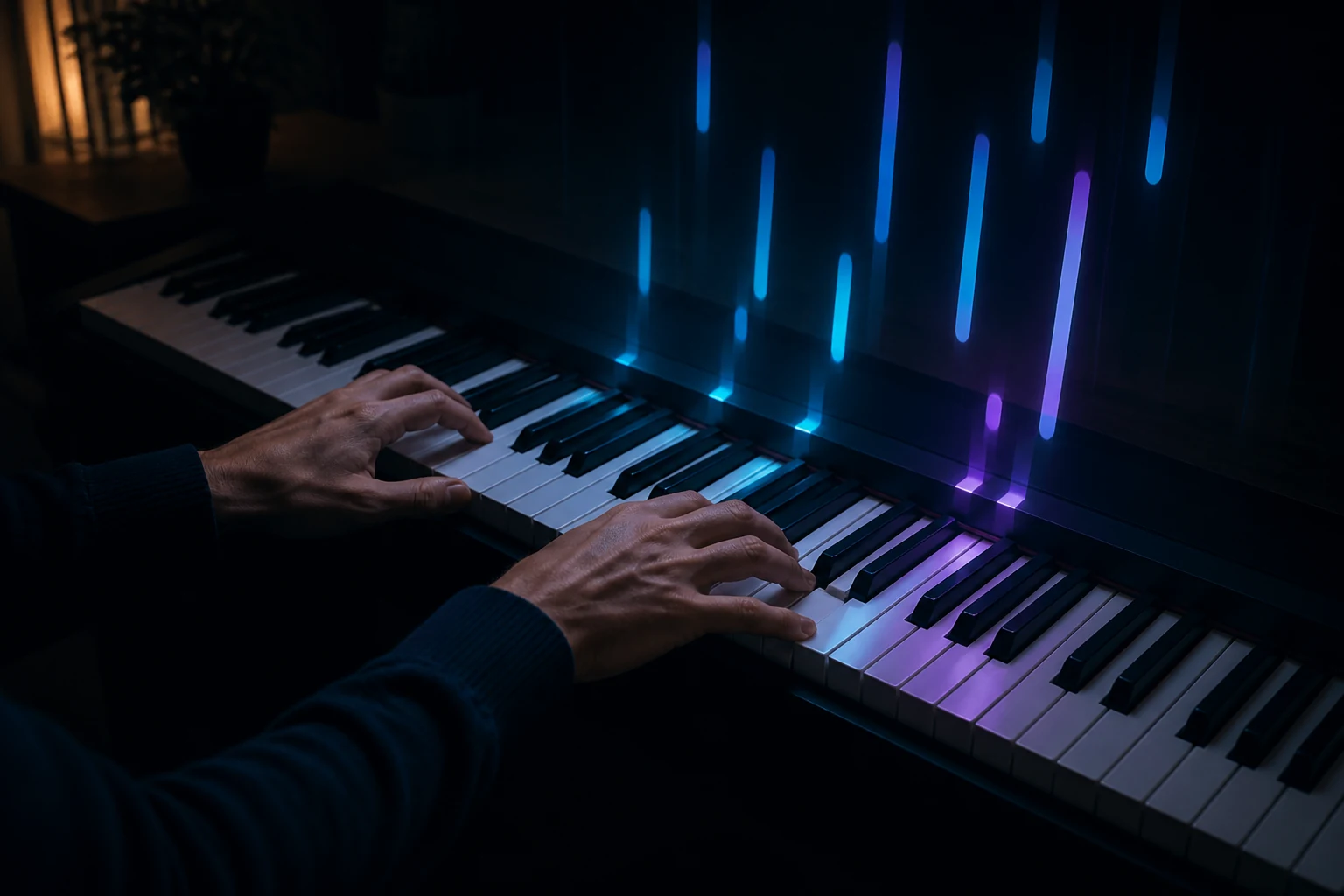
Notes flow straight onto the keyboard and PianoMaster waits until you play the right key. Play on a MIDI piano, a computer keyboard or with your mouse – every mode and tool is available right away.
Play the whole built-in library without signing up. A free account is only needed to store your own files.
The app splits the piece into parts on its own. You decide what to work on.
Start with the built-in library or upload your own .mid, .midi and .kar files.
Keep the instruments you’re learning on screen. The rest plays in the background.
Connect a MIDI instrument or use your computer keyboard.
Pick a way of working, and the app guides you through the same score differently.
All parts play together, and the notes, staff and keyboard move at the same tempo.
Each view answers a different question that comes up while practicing.
Notes flow toward the keyboard and reach it at the exact moment they should be played. Bar height shows how long to hold a note, and color shows whether it belongs to the left hand, the right hand, or a chosen part.
Mark the start and end of a fragment. Slow the tempo, loop it, and return to the full piece once your hands remember the movement.
The app splits the score into separate parts – one per instrument. In the instrument workshop, each gets its own tile: show or hide it, mute it, solo it, assign it to a hand, and choose from 128 sounds.
The summary ties your score to a place in the piece. This is a sample of how data is presented, not a real user’s result.
The built-in library is available right away, no account needed. Click a title to open the song in the app.
Every PianoMaster feature works with no fees and no login. A free account only becomes useful when you want to practice with your own MIDI files.
All you need is an email address. You set your password from the link we send you.
Your MIDI files are assigned to your account and remain invisible to other users.
Your browser remembers view settings and best scores locally for you.
Manage your library directly inside PianoMaster – you can delete any file at any time.
Yes. Every mode, tool, sound and the whole built-in library are available with no fees and no login. There is no paid version or subscription – the site is supported by ads.
No. A computer keyboard or mouse is enough. Playing feels most natural on a MIDI instrument connected over USB or Bluetooth, though.
Only to upload your own MIDI files and keep them at hand on every device. The account is free and needs nothing more than an email address.
.mid, .midi and .kar files up to 8 MB. The app reads tracks, channels, tempo, time signature and General MIDI instruments, among other things.
Web MIDI input is available in Chrome, Edge and Opera, as well as recent versions of Firefox. Playing with a computer keyboard or mouse works in every modern browser.
Yes – the interface adapts to the screen and you can tap the keys with your finger. For learning, a tablet in landscape or a computer works best.
It works in a similar way – notes fall onto the keyboard – but needs no installation or purchase. It also shows a classic staff, lets you control every part and summarizes your playing measure by measure.
Tempo goes from 20 to 200 percent, and you can shift the whole piece up or down by 12 semitones. Each part can also be transposed on its own.

No fees, nothing to install and no account required.
Start playing for free